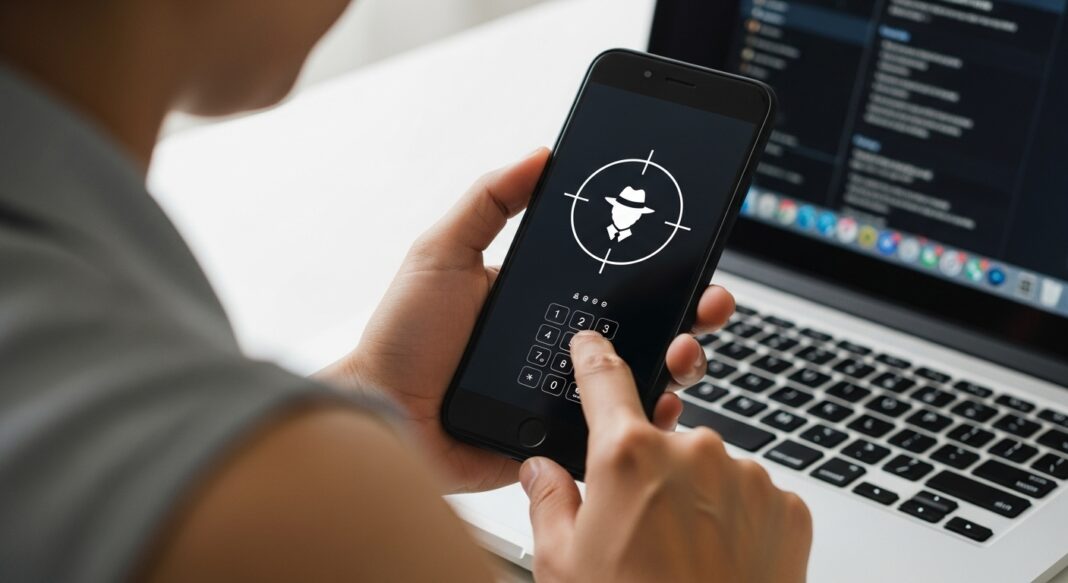
What Is Phone Hacking?
How to secure an Android phone from hackers, Phone hacking happens when someone gains unauthorized access to your Android device. This can be done through malicious apps, fake Wi-Fi networks, phishing messages, spyware, or weak passwords. Once inside your phone, a hacker may monitor calls, read messages, steal passwords, or even access your banking apps.
Common Signs Your Android Phone Is Hacked
Recognizing the symptoms early can help you secure your device before major damage occurs. Watch out for: How to secure an Android phone from hackers.
- Rapid battery drain
- Overheating even when idle
- Apps you never installed
- Pop-up ads on the screen
- Strange background data usage
- Messages you didn’t send
- Microphone or camera turning on unexpectedly
- Slow performance for no reason
If you notice 2 or more of these, your phone may be compromised.
1. Update Your Android System and Apps
One of the easiest ways hackers break into devices is through outdated software. Manufacturers release security patches to close vulnerabilities. If you ignore updates, you leave your phone exposed.
How to update:
Go to Settings → Software Update → Download and Install
Also update apps via Google Play Store → Manage Apps → Update All.
2. Uninstall Suspicious or Unknown Apps
Most beginner-level hacking happens through apps installed outside the Play Store.
If you see apps with strange names or icons, delete them.
Steps:
- Open Settings → Apps
- Look through all installed apps
- Remove apps you don’t recognize or don’t use
Avoid “free cleaners”, “battery boosters”, or unknown “optimizer” apps — many contain spyware.
3. Disable Unknown App Installations
If your phone allows apps to be installed from unknown sources, hackers can easily sneak in malware.
Turn this off:
Settings → Security → Install Unknown Apps → Disable for all browsers and file managers.
4. Check for Device Admin Permissions
Some malicious apps hide in the Device Administrator section, making them hard to remove.
To remove:
- Go to Settings → Security → Device Admin Apps
- Turn off access for apps you don’t trust
- Uninstall them immediately
5. Use Safe Mode to Remove Malware
If a hacking app refuses to uninstall, restart in Safe Mode. This disables third-party apps.
Steps:
- Hold the Power button
- Long-press Restart
- Tap Safe Mode
- Uninstall all suspicious apps
- Restart normally
Safe Mode prevents hackers from running their software. How to secure an Android phone from hackers.
6. Change All Your Passwords
Hackers often aim to steal account login details.
Change passwords for your:
- Google account
- Facebook, WhatsApp, Instagram, TikTok
- Banking apps
- Email services
Use a strong format like:
Wisdom@2025!Secure
Never reuse passwords across multiple apps.
7. Turn On Google Play Protect
Google Play Protect scans your apps and blocks harmful ones in real time.
Enable it via:
Play Store → Profile Icon → Play Protect → Turn On
This adds an extra layer of security.
8. Install a Trusted Antivirus App
A reliable antivirus can detect malware, spyware, and hidden threats.
Recommended apps:
- Bitdefender Mobile Security
- Kaspersky Mobile Security
- ESET Mobile Security
Avoid free “random” antivirus apps — some are malware disguised as security tools.
9. Disable Unnecessary Permissions
Apps that access your camera, microphone, or SMS can easily spy on you.
Review permissions:
Settings → Apps → Permissions
Remove permissions from apps that don’t need them.
10. Factory Reset (Last Resort)
If your phone still behaves suspiciously even after cleaning it, a factory reset is the strongest solution.
Warning: This deletes everything.
Backup your photos, contacts, and files first.
Reset via:
Settings → System → Reset Options → Erase All Data
This eliminates all malware completely.
How to Prevent Future Hacking
- Avoid connecting to free public Wi-Fi
- Never click links from unknown SMS or WhatsApp messages
- Don’t download apps from unofficial websites
- Use two-factor authentication
- Lock your phone with PIN, fingerprint, or face unlock
Small habits make a big difference.
Conclusion
Blocking hackers from your Android phone is easier than most people think. By keeping your software updated, reviewing installed apps, managing permissions, and enabling Google Play Protect, you can significantly reduce the chances of being hacked. For deeper infections, Safe Mode or a factory reset will clean your device entirely.
Read Also:
- How to Apply for a Student Loan at GRZ
- How to Check Your NAPSA Statement Online
- How to Start a Small Business in Zambia PDF
- How to Apply for a Loan in Zambia Online: Quick Guide 2025
- How to Apply for Zambia Police Recruitment 2025 | Requirements, Process & Caution
- How to Create a PayPal Account in Zambia (2025 Guide)
- How to Fix Slow Internet in Zambia 2025 | Proven Tips to Boost Speed
- Top 50 Richest Musicians in Nigeria 2025: Complete Forbes List with Net Worth Rankings
- How Much Does a Nurse Get Paid in Zambia? Complete Healthcare & Teacher Salary Guide 2025
- African Musicians with Most YouTube Subscribers 2025 | Top 20
- Best Companies to Buy Shares in Zambia 2025 | Top Stock Brokers & Investment Platforms
- ECZ Past Papers with Answers PDF Download | 2025 Zambia Examination Guide
- How to Write a CV for Zambian Employers (With Free PDF Format)
- How to Apply for a Student Loan at GRZ in Zambia
- How to Check Your Grade 12 Results Online in Zambia
- How to Write a Business Proposal for ZDA Grants in Zambia